Website ingest, asset references, and brand signals replace guesswork.
OpenNash Imagine Studio
Turn a brand URL into launch-ready assets and commercial cuts.
Bring a brand URL, approved language, and visual references. Imagine Studio turns that context into an auto-configured creative system you can refine into premium brand assets and mobile-first commercial cuts without starting from a blank prompt.
Generate brand-safe hooks, layouts, colors, and directions before you edit.
Push the direction, review changes, and ship assets plus short-form commercial cuts.
Nano Banana 2 for brand assetsSeedance 2.0 on fal.ai for commercialsWebsite ingest and brand signals for no-upload onboarding
Flow 01
Brand Assets
Website + brand language into premium campaign stills, ad-ready visuals, and reference assets.
Flow 02
30s Commercial
Images + brand language + script direction into a two-part Seedance commercial cut for mobile-first channels.
Studio Builder
Create a Brand System Fast
Latest Output
Ready for your first run
Use the example brand or paste a live brand URL to create the first generation.
The main route is intentionally customer-facing. Internal artifacts and raw manifests live at /test.
Example Set
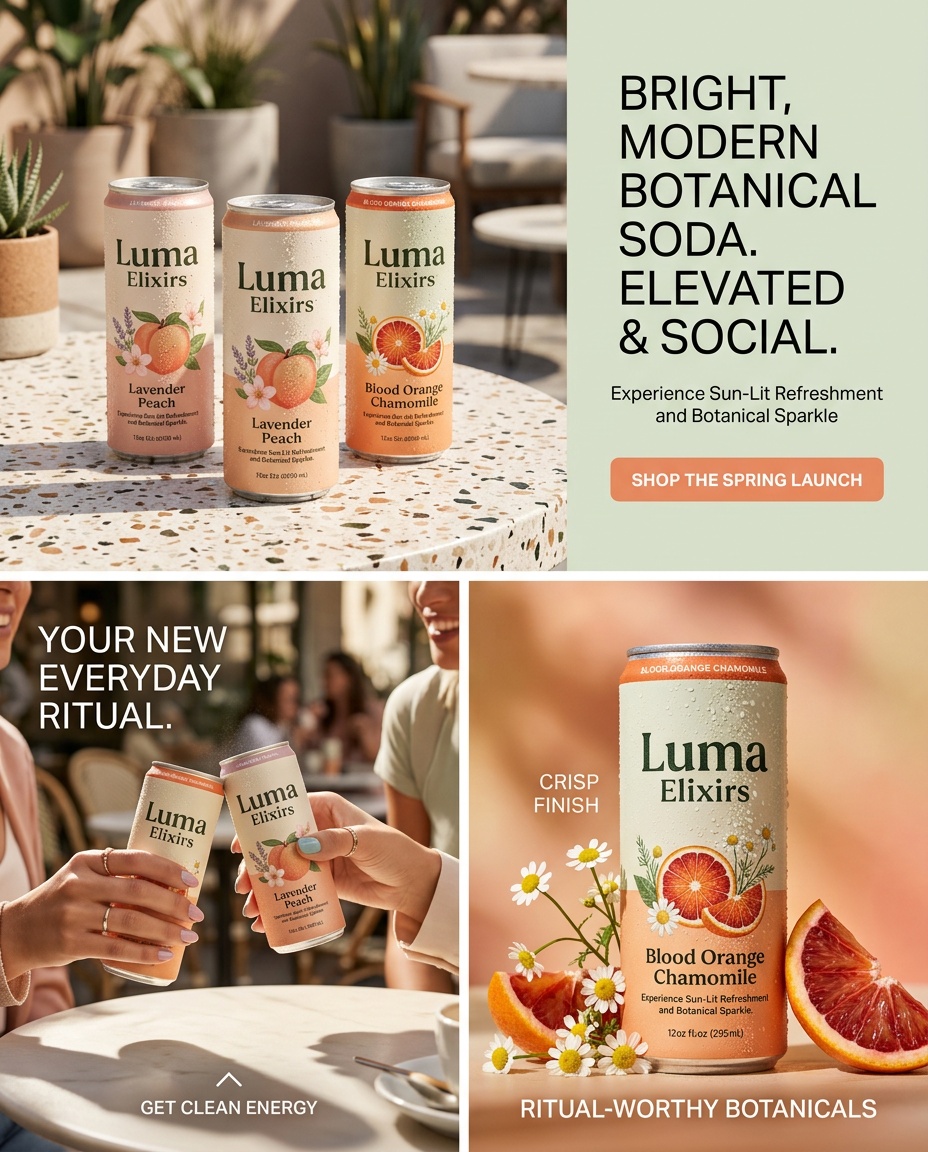
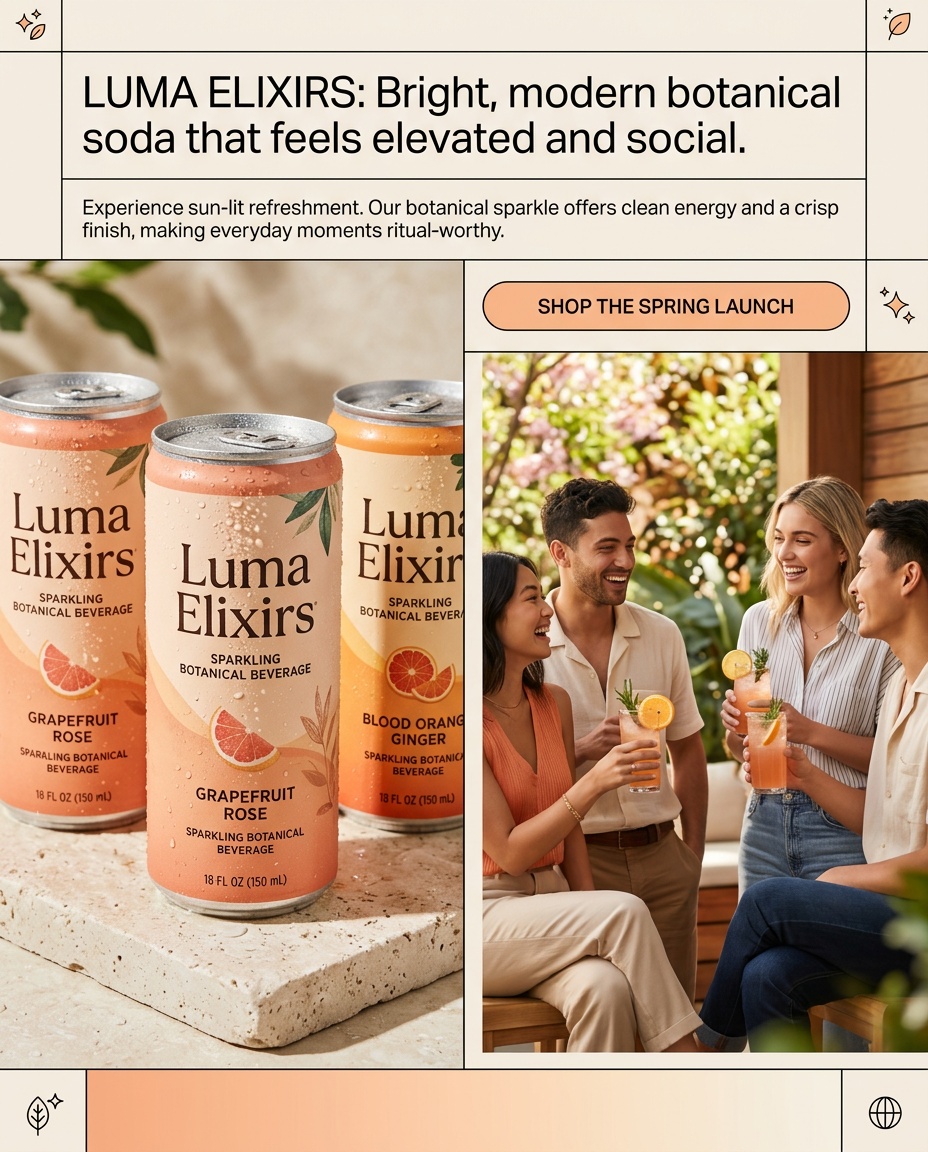
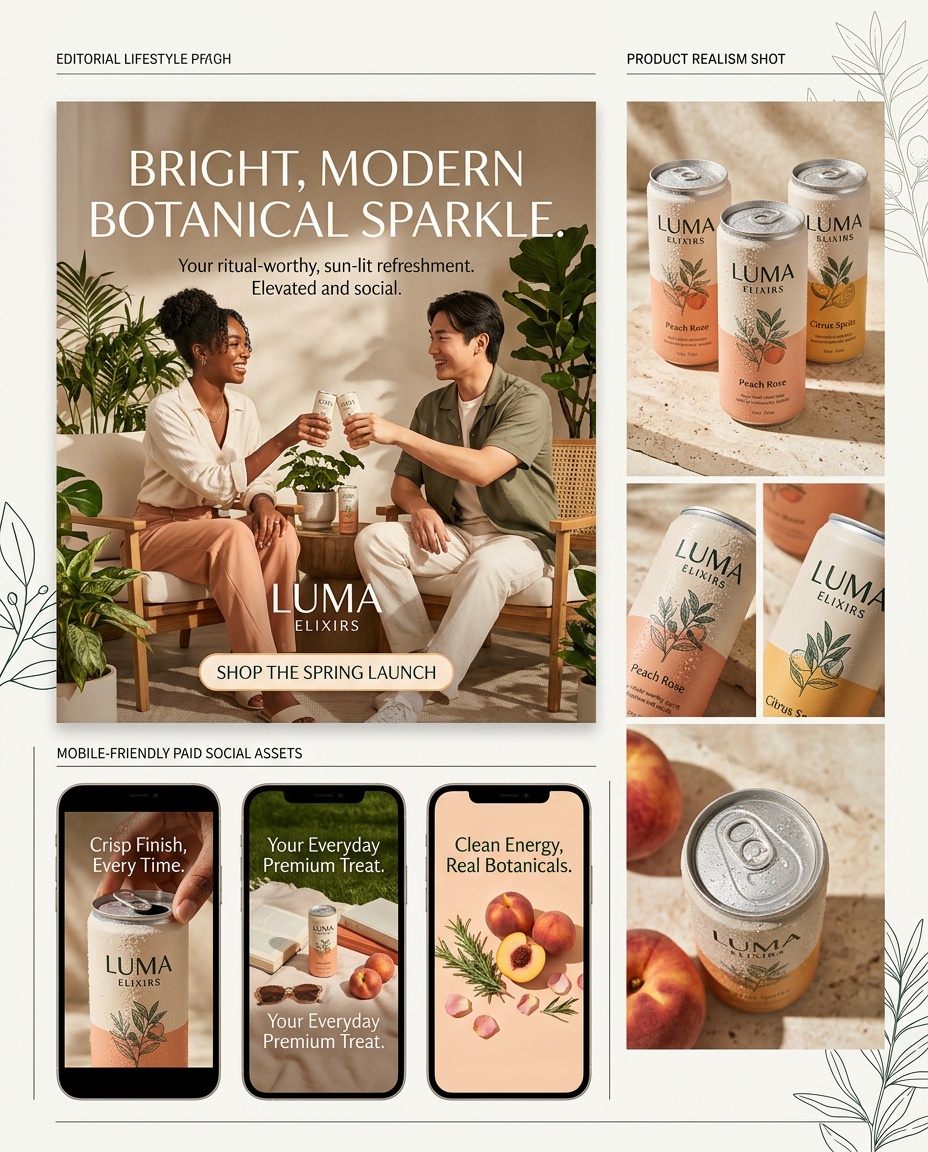
Nano Banana 2 Example Brand Assets
The example set below was generated for the fictional consumer brand Luma Elixirs to prove the customer-facing flow with real model output before launch.
Recent Studio Runs
Live Validation History
No studio runs yet. The first generation will appear here.